nexterm --about
NexTerm
The modern, AI-powered terminal and code editor for Windows.
A daily-driver Windows terminal built from scratch. PowerShell, CMD, Git Bash and WSL in tabs and split panes, SSH profiles with an SFTP browser, an AI side panel that can read your terminal, local ghost-text autocomplete, and a Coder mode with the VS Code editor engine, git and language servers. Free and private: no accounts, no telemetry, no ads.
- OS
- Windows 10 / 11 x64
- Shells
- PowerShell 7, CMD, Git Bash, WSL, Zsh, Fish
- Version
- 0.4.1, May 20, 2026
- AI
- Groq, Gemini, Claude, Ollama, llama.cpp
- Accounts
- none · telemetry: none · ads: none
nexterm theme --pick
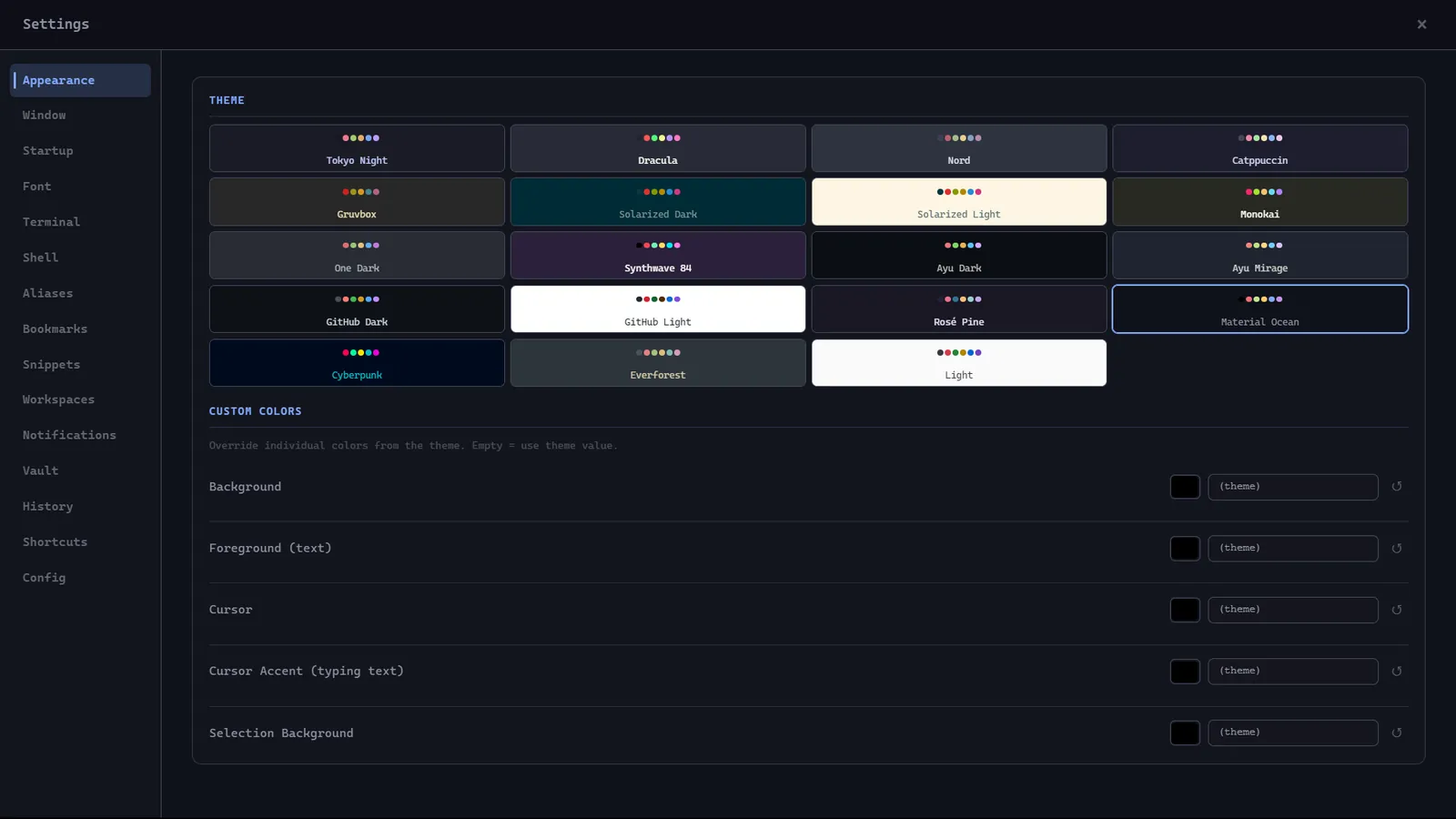
# 19 themes ship with NexTerm. Pick one and the whole page repaints.
# One terminal, every shell
nexterm
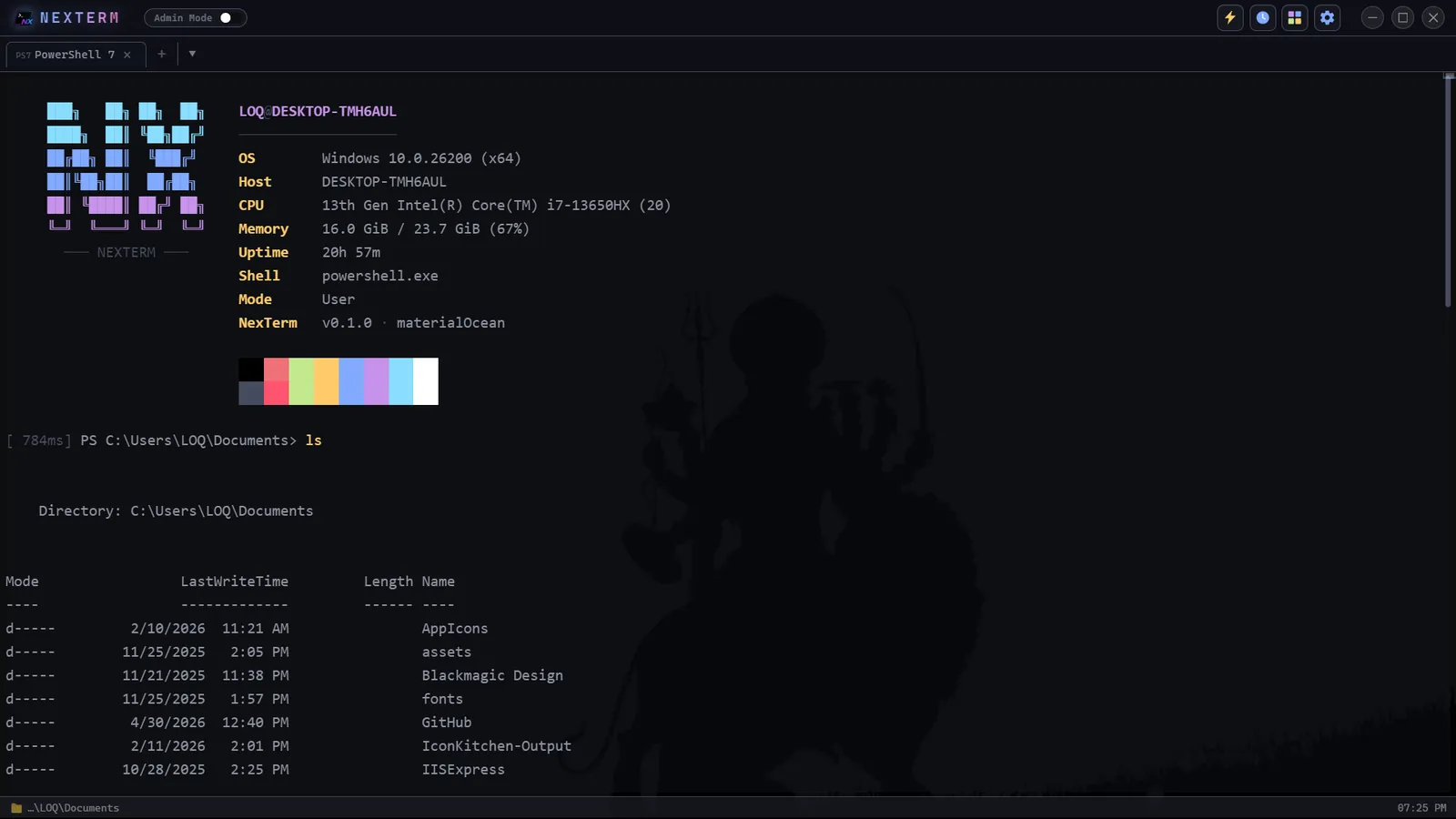
The terminal. PowerShell 7 with the animated banner, system info, and a timer on every command.
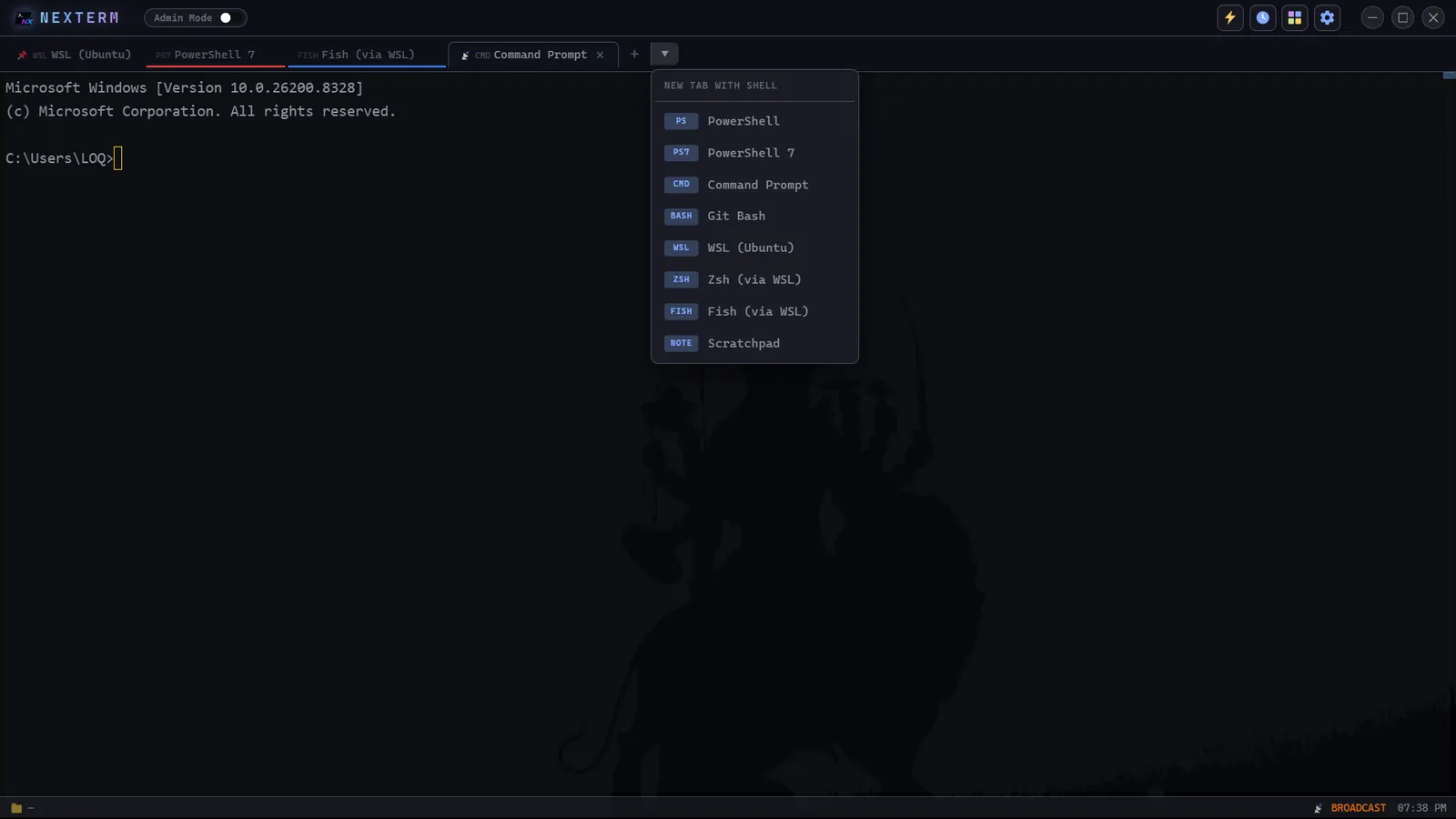
nexterm new-tab --pick-shell
Every shell. PowerShell, CMD, Git Bash, WSL, and Zsh or Fish through WSL, colour-coded per tab.
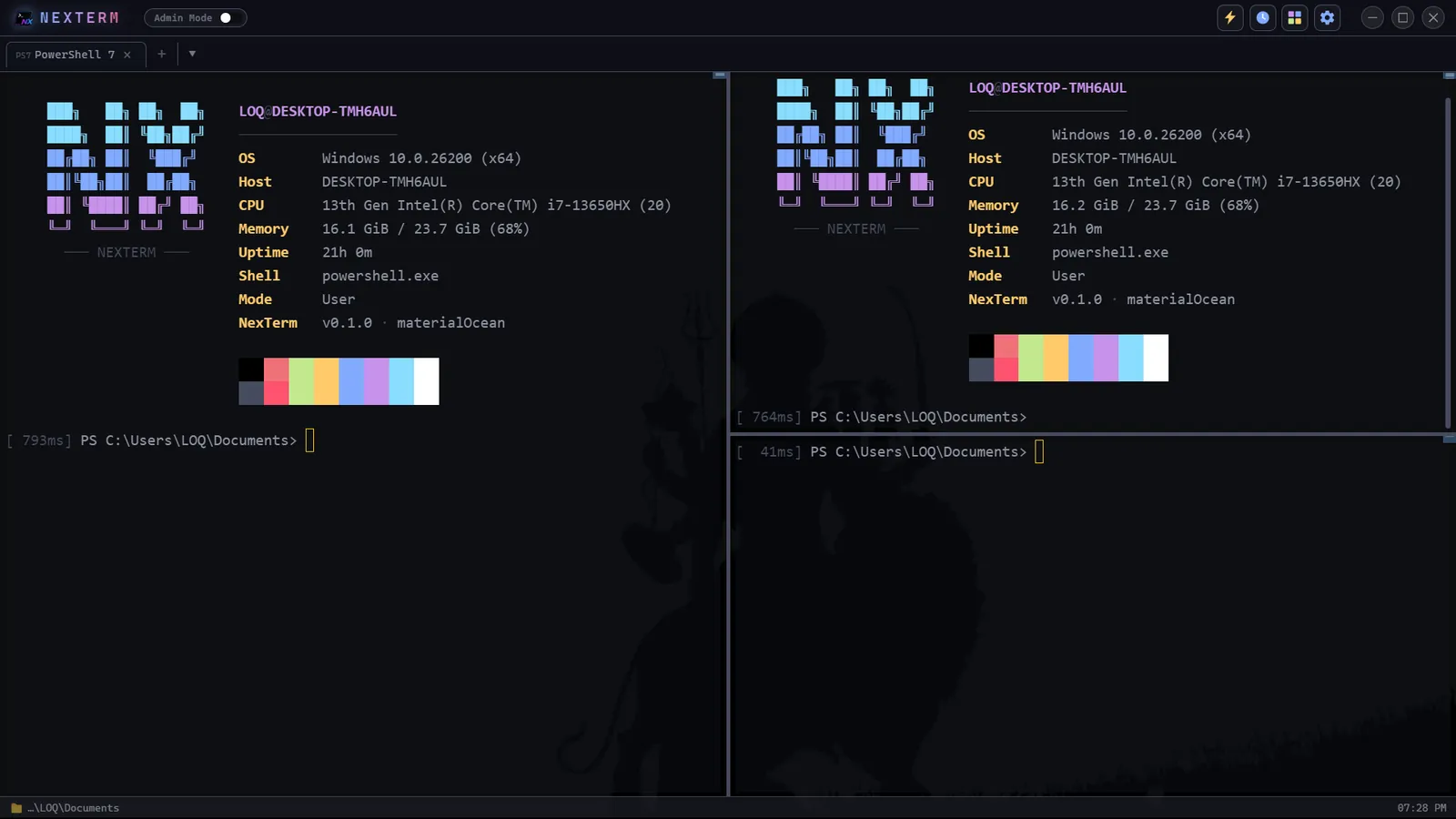
nexterm split --right --broadcast
Split panes. Split any way you like, and broadcast one command to every pane at once.
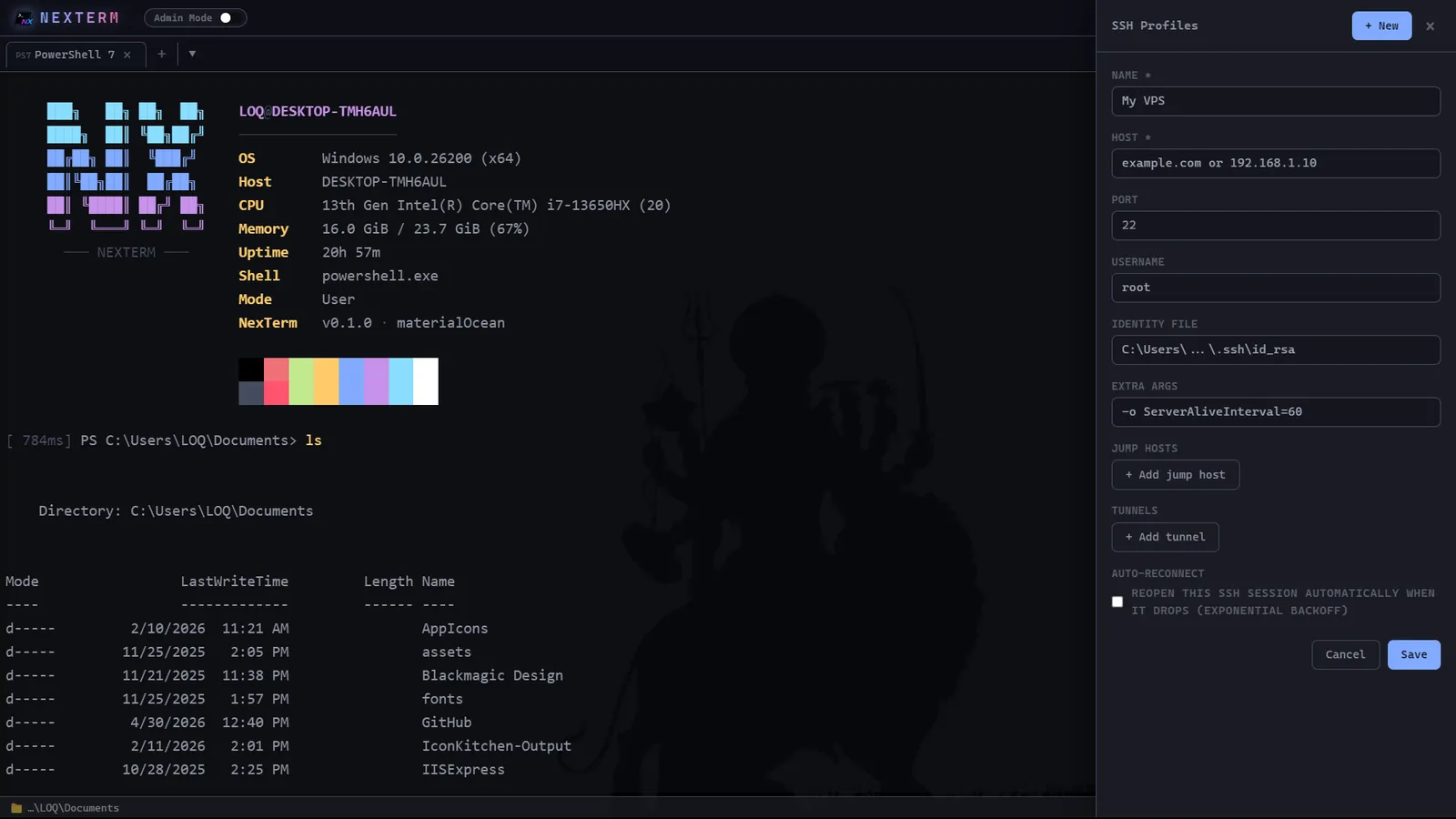
nexterm ssh --profiles
SSH profiles. Hosts, identity files, jump hosts, tunnels and auto-reconnect, with SFTP built in.
nexterm settings themes
19 themes. Tokyo Night to Synthwave '84, plus your own colour overrides.
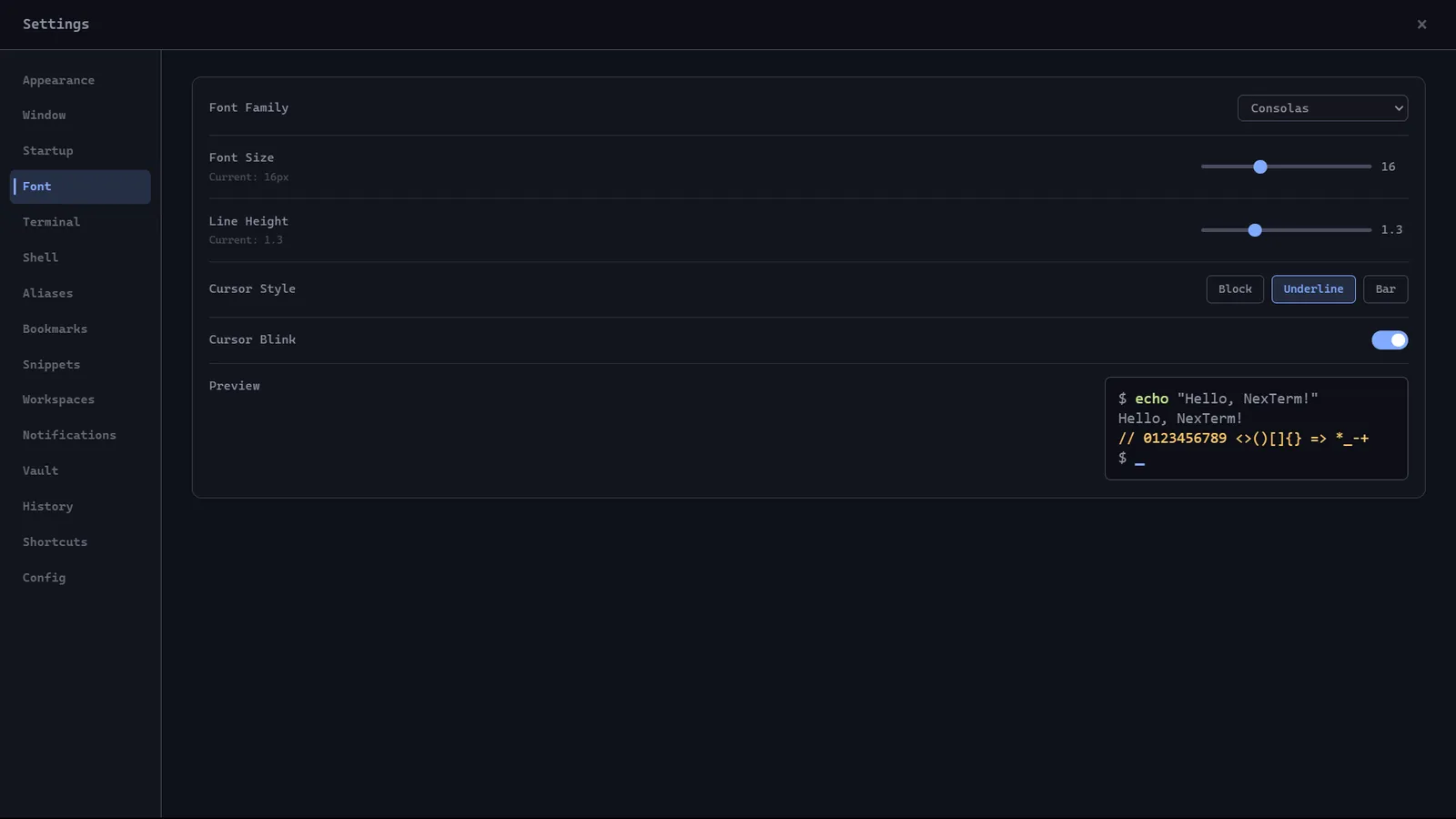
nexterm settings typography
Typography. Cascadia Code or Consolas, line height, cursor style and a live preview.
# It reads the error with you
Ghost text finishes the command, the build breaks, and Explain & Fix reads the last thirty lines and hands back the fix. Pick a theme above and the session plays in it.
git status
On branch main · nothing to commit, working tree clean
npm run buildTab
> vite build
✗ src/eq.ts:42 Type 'string' is not assignable to type 'number'.
1 error, build failed [2.4s]
npm run build
✓ built in 1.9s [1.9s]
Get-NexTermFeature | Format-Table -AutoSize
| Name | What it does |
|---|---|
| AI that sees your terminal | A side panel that reads your last 30 lines, explains errors and runs fixes, with undo for its edits. |
| Ghost text | Local autocomplete from Ollama, accepted with Tab. Nothing leaves the machine. |
| Coder mode | Monaco, the VS Code editor engine, with git, diffs, format-on-save and language servers. |
| SSH and SFTP | Profiles, jump hosts, port forwarding and a file browser for the remote machine. |
| Quake mode | A hotkey drops the terminal down from the top of the screen, from anywhere. |
| Workspaces | .nexterm.yml workspaces, session recording to asciinema, and snippets with placeholders. |
| A real vault | API keys are encrypted with Windows DPAPI and never written to the settings file. |
| Extensions | A marketplace served as a static registry from GitHub. No backend needed. |
git log --graph --oneline --decorate
- 2026-05-20 (HEAD -> main, tag: v0.4.1) Voice input, file compare, format-on-save, language servers
- 2026-05-18 (tag: v0.4.0) Extensions, Claude, workspaces that persist
- 2026-05-13 (v0.3.0) Coder mode, multi-window, AI vision and ghost text
- 2026-05-12 (tag: v0.2.0) The AI side panel
- 2026-05-12 (tag: v0.1.3) New prompt, live CPU, GPU and RAM
- 2026-05-04 (tag: v0.1.2) “Open in NexTerm” in the Explorer menu
- 2026-05-04 (tag: v0.1.1) Native Windows 11 window chrome
- 2026-05-04 (tag: v0.1.0) First release
nexterm trace --keystroke
# Electron splits the work: the window draws, the main process owns the shells.
- KeystrokeReact + Zustand window
- xterm.jsrenders the terminal
- contextBridgea narrow, safe API
- node-ptymain process
- Your shellPowerShell · WSL · SSH
npm ls --depth=0
nexterm@0.4.1
- ├── electron@30
- ├── react@18
- ├── zustand@4
- ├── @xterm/xterm@5
- ├── monaco-editor@0.55
- ├── node-pty
- ├── better-sqlite3
- ├── ssh2
- ├── node-llama-cpp@3.18
- └── tailwindcss@3