Local AI · Portable
R-AI
A whole AI, in a folder you can carry.
An air-gapped, zero-dependency AI that runs from a USB stick, an SSD or an internal drive. Install once, then chat with local models, generate images with Stable Diffusion and attach images or PDFs, all without the internet. One shared folder serves Windows, macOS, Linux and Android, so each model is downloaded only once.

- Android/Termux
install.shstart.sh - Linux/Ubuntu, Debian
install.shstart.shStart R-AI.desktop - Mac/macOS 12+
install.commandstart.command - Windows/Windows 10+
install.batstart-fast-chat.bat - Shared/one copy for all four
chat_server.pyFastChatUI.htmlmodels/bin/
Drive removed. Plug it back in.
Drag the drive out, then plug it back in.
Pull the plug
Switch the internet off. It keeps answering: the model, the engine and the page it talks through are all on the drive.
Internet on
- Sent to the internet
- 0 B
- Cloud calls
- 0
- Where it runs
- this drive
gemma2-2b-localOffline, still answeringThought for 1 second
Everything you would ask a chat assistant, from this drive: write and fix code, summarise the PDF you just attached, explain a photo, draft an email, or make an image with Stable Diffusion. Pull the cable and nothing changes, because the model, the engine and this page all live in one folder.
Responses are generated locally. A replay of the interface, with its own words.
Pack the drive
Each model is one file in Shared/models. Download it once and Windows, macOS, Linux and Android all use the same copy. Pick a drive, then pick your models.
The interface
One HTML file, served by the drive’s own Python server and opened as an app window. These are its real screens.
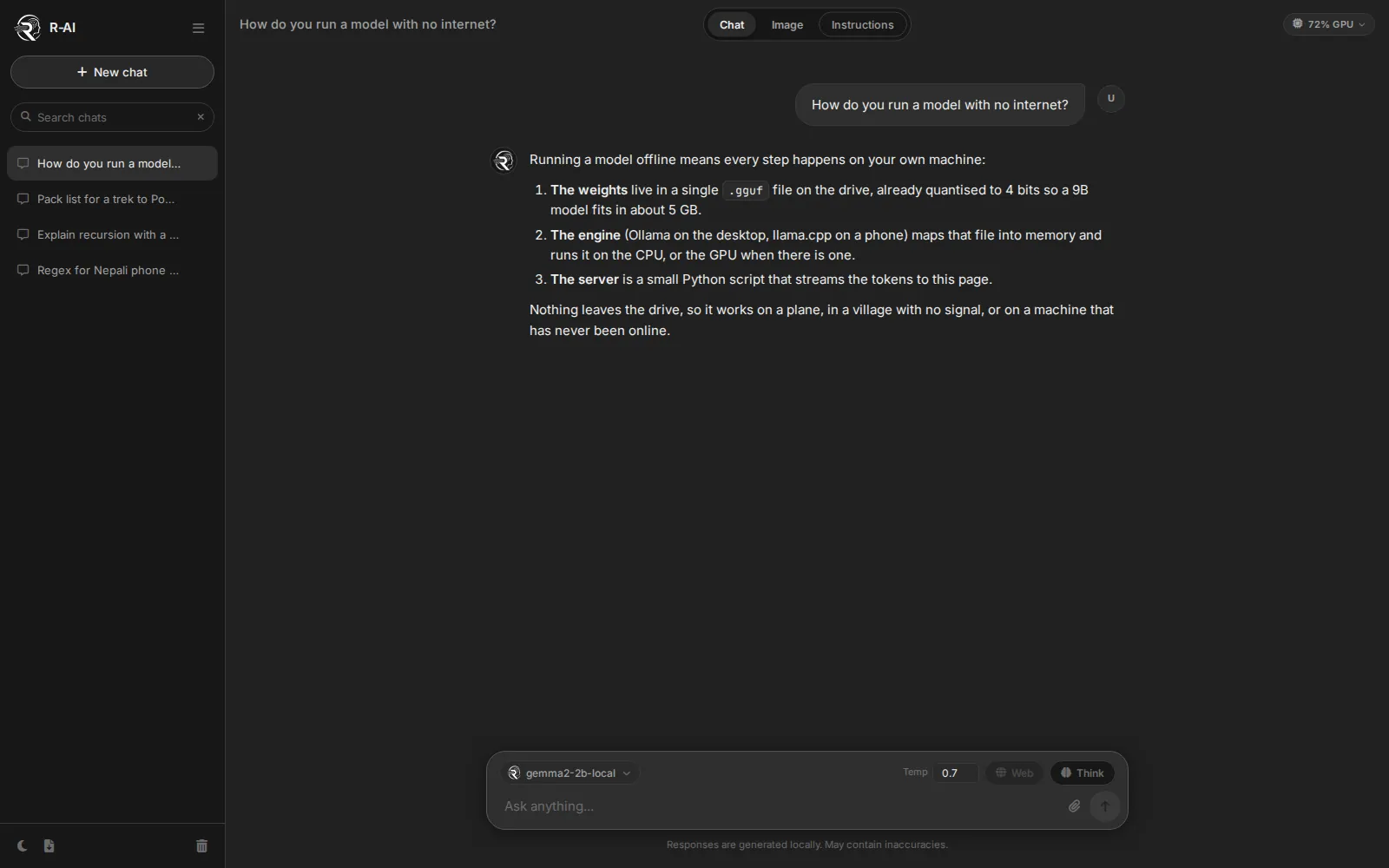
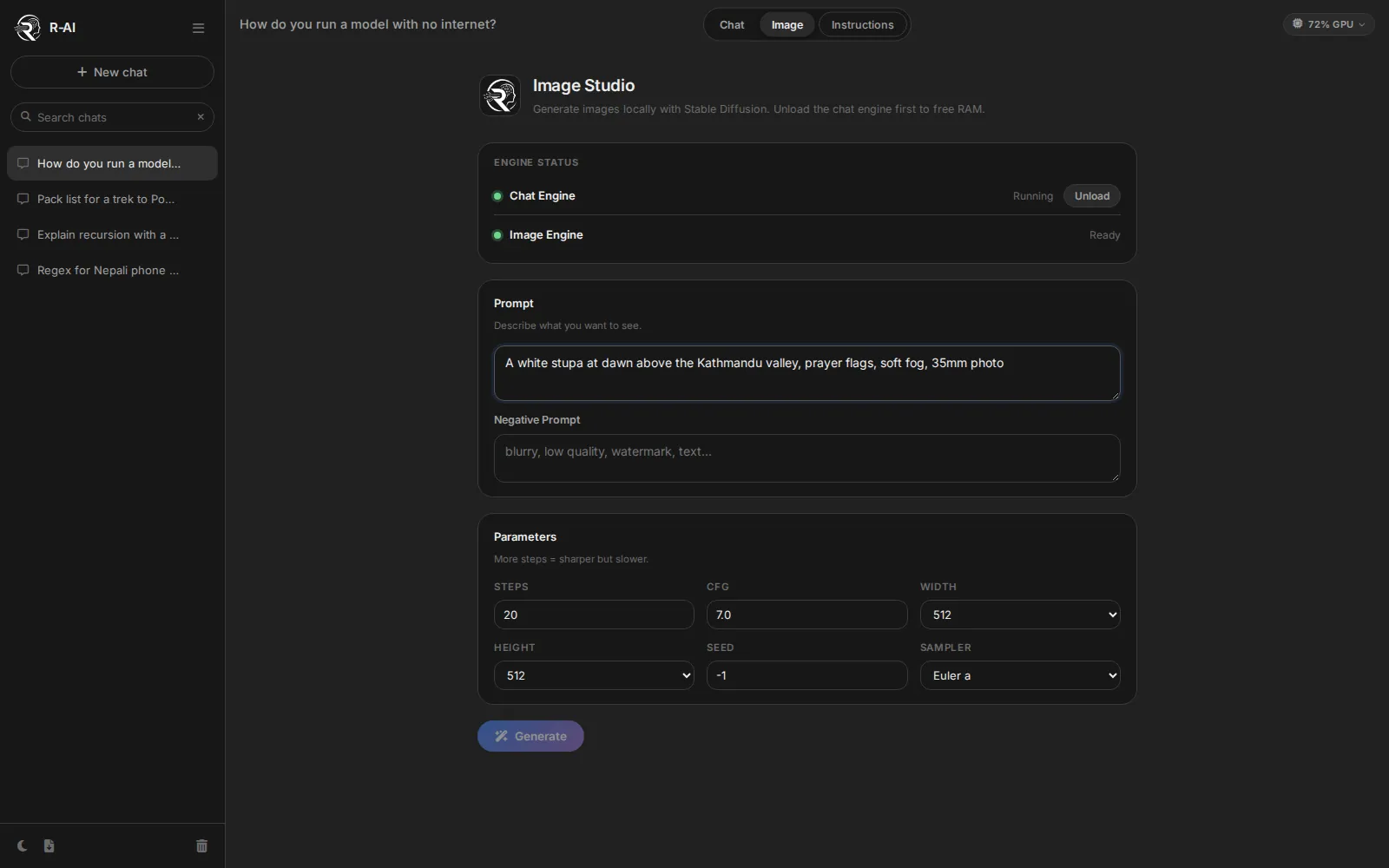
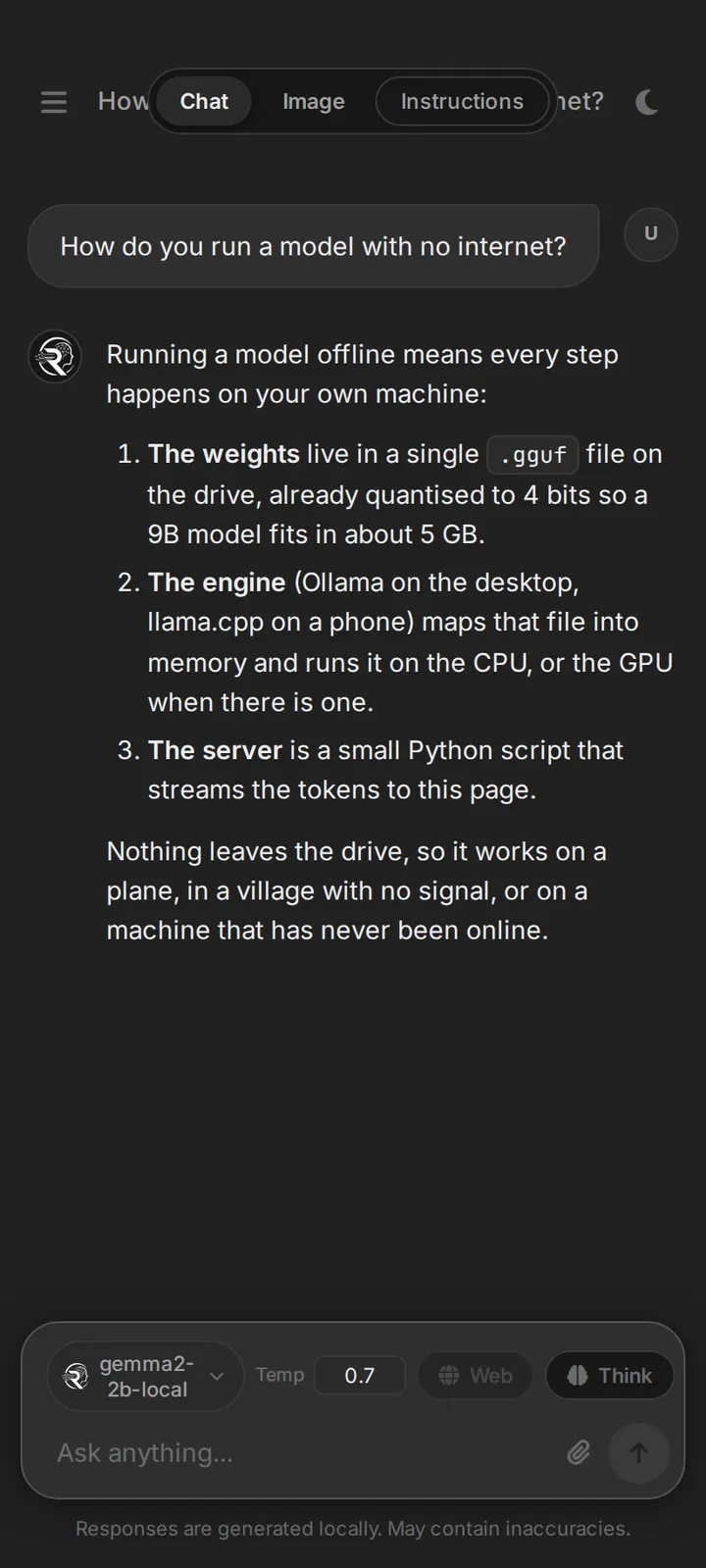
Small, on purpose
A Python standard-library server is the only moving part between you and the model. Chat and images take turns on memory, so one laptop can do both.
Launcher.bat · .sh · .command · TermuxPython serverstandard library onlyOllama / llama.cpptext modelsstable-diffusion.cppimages, taking turns on RAM
- System and apps about 4 GB
- Python server about 100 MB
- Chat model about 6.2 GB
- Image engine about 4.5 GB
Rough figures for 16 GB of RAM, a 9B model and Stable Diffusion 1.5 at 512 × 512. Load one, and the other steps aside.
Next folder
VocabuLook up a word. Hear it. Keep it.